Reach 50K+ AI buyers. List your tool

How to evaluate an AI coding assistant in your existing project

Last updated:

This guide focuses on evaluating a tool inside an existing project. Use the broader coding-tools guide for discovery; use this page to decide whether a candidate can meet your team’s requirements.

Karishma Gupta
2 min read
Share this article

This guide focuses on evaluating a tool inside an existing project. Use the broader coding-tools guide for discovery; use this page to decide whether a candidate can meet your team’s requirements.

Prepare a bounded issue

Choose a real but low-risk bug or feature with an explicit acceptance test. Save the repository revision, dependencies and instructions so each candidate starts from the same state.

Choose the product surface

Copilot, Claude Code and Cursor offer documented coding workflows. Check the supported editor or environment, current plan and permissions for each. Remove old Ghostwriter-era assumptions and verify legacy product paths before testing.

Measure the accepted change

Record whether the tests pass, whether the implementation meets the request and how much unrelated code changed. Count review and repair time, not just time to the first generated patch.

Check operating constraints

Inspect secret access, network use, repository permissions and how an agent run can be stopped or reverted. Track usage costs for failures and retries. Keep a known-good revision for comparison.

Decide after repetition

Repeat a representative set of tasks before choosing a plan for the team. This page proposes an evaluation method and does not claim to have measured a new winner.
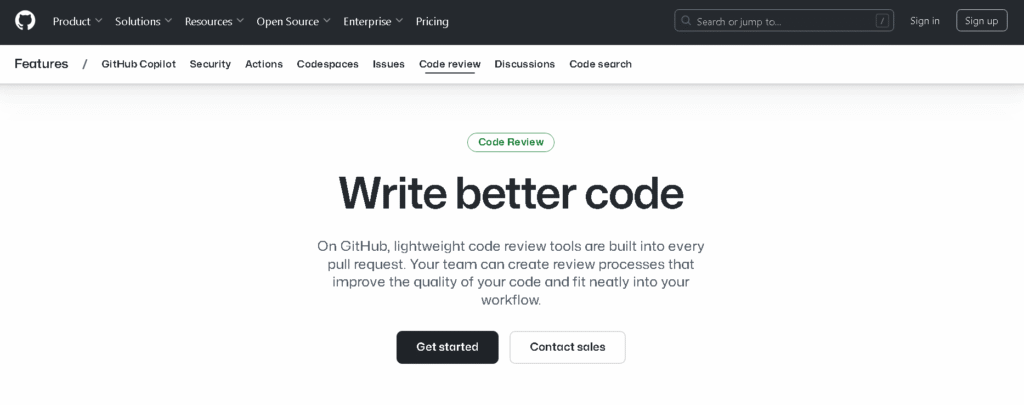
GitHub Copilot AI coding assistant suggesting JavaScript function in VSCode.
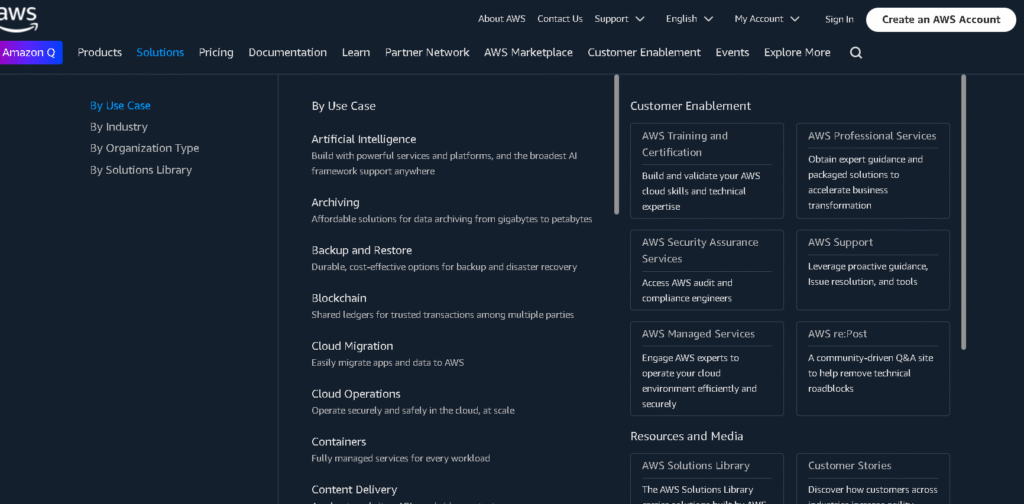
CodeWhisperer AI coding assistant completing AWS Lambda code in IDE.
Tabnine AI coding assistant suggesting Java method in JetBrains IDE.

Sources

Karishma Gupta

About Karishma Gupta

I write about AI tools, digital productivity, and smart workflows, helping professionals and enthusiasts simplify complex technologies and make the most of the latest digital tools. My goal is to provide actionable insights, uncover practical applications, and inspire smarter ways of working.

View all articles by Karishma Gupta →

Share this article

Keep reading

More on AI Tools

All in this topic

Top 10 Conversation Intelligence Platforms of 2026

Compare conversation intelligence platforms for sales calls, coaching, CRM updates and meeting workflows. Check required features and total cost.

Vridhi Mehta

Top 10 AI Data Labeling Platforms of 2026

Compare AI data labeling platforms by task, expert workforce, review process, deployment and exports. Includes a quality-focused pilot.

Vridhi Mehta

The 5 Best CapCut Alternatives in 2026 (Free and Paid, Tested)

CapCut has become a go-to video editor for short-form content, but it is not the only option. Depending on your workflow, you may want an alternative with cleaner free exports, stronger desktop editing, better branding features, or more flexibility across devices. We looked at five CapCut alternatives based on the features that matter most when …

Karishma Gupta