

Most paid social campaigns fail in the same place: between planning and execution. You define your audience, set a budget, pick a creative direction – and then spend the next three weeks manually adjusting bids, swapping creatives, and checking dashboards across Meta, TikTok, and LinkedIn while the window to iterate closes.
AI agents change the architecture of that cycle. Not by replacing the strategist, but by collapsing the gap between decision and execution.
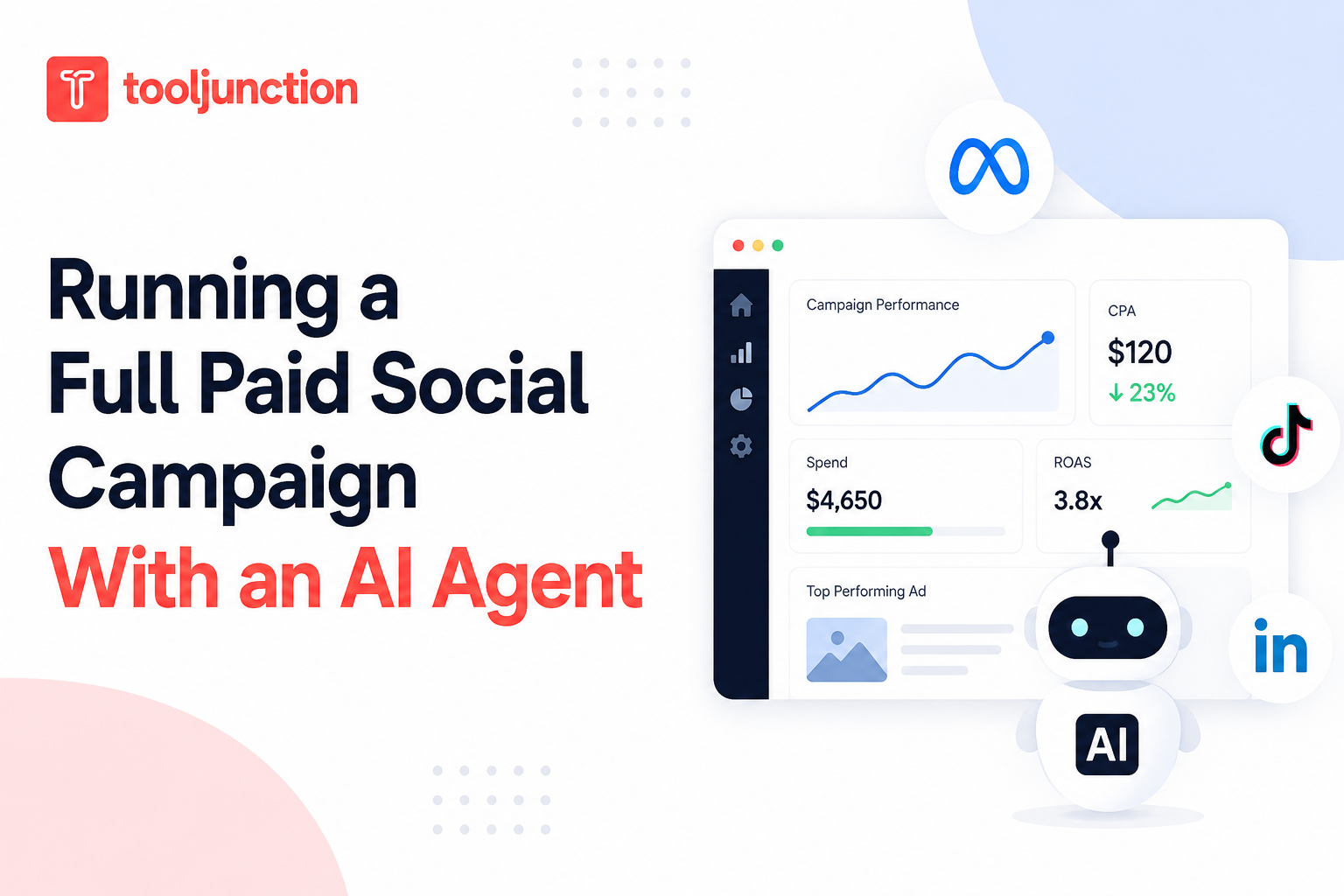
This guide covers what a full paid social campaign looks like when an AI agent handles the execution layer from launch to optimisation while keeping budget decisions and creative direction in human hands.
What is an AI marketing agent?
An AI marketing agent is software that executes repetitive campaign management tasks such as campaign setup, budget pacing, reporting, bid adjustments, and creative rotation within predefined rules. Unlike traditional automation, an AI marketing agent continuously monitors campaign performance and can take approved actions automatically while leaving strategic decisions, budget approvals, and creative direction to the marketing team.
What “running” a campaign actually involves?
Before talking about AI agents, it helps to be specific about what “running” a paid social campaign requires. Most definitions stop at the strategy layer. The actual work looks different.
A campaign manager running a Meta campaign in 2026 handles:
- Audience segmentation
- Creative briefing and trafficking
- Bid strategy selection and adjustment
- A/B test setup and management
- Spend pacing across ad sets
- Cross-platform budget reallocation
- Weekly performance reporting
- Creative fatigue monitoring
That list covers roughly four hours per campaign per week, multiplied by however many campaigns are live.
The bottleneck is not insight. A good manager knows within 48 hours which creative is underperforming and why. The bottleneck is execution time. By the time a human team acts on what they know, the optimal window for adjustment has usually passed.
What an AI agent handles in this stack
AI marketing agent vs. traditional campaign management
| Traditional campaign management | AI marketing agent |
|---|---|
| Manual campaign setup | Automated campaign setup |
| Weekly optimization | Continuous monitoring |
| Manual reporting | Automated reporting |
| Manual creative swaps | Automatic creative rotation (within approved rules) |
| Reactive optimizations | Proactive execution |
| Human executes every change | Human approves strategy, AI executes repetitive tasks |
An AI marketing agent operating at the execution layer handles four categories of work.
1. Launch preparation
The agent formats and traffics approved creatives across platforms, sets up audience segments based on briefed parameters, configures campaign structure (campaign, ad set, ad), and applies initial bid strategies based on historical performance data for that audience type. This alone typically requires three to five hours of manual work per campaign per channel.
2. Pacing and spend management
Once live, the agent monitors spend against daily and lifetime budgets, shifts budget toward better-performing ad sets within approved ranges, and flags overspend risk before it becomes a problem. Human approval is required before the agent exceeds spend thresholds set at campaign setup.
3. Creative rotation and fatigue detection
The agent tracks frequency, click-through rate decline curves, and cost-per-result trends to identify creative fatigue early. When fatigue signals cross a threshold, it pauses the affected creative and promotes the next approved variant in queue. The manager sees a notification rather than a weekly report of three weeks of degraded performance.
4. Performance reporting
Rather than exporting CSVs from four platforms and building a unified view manually, the agent surfaces a structured summary at whatever cadence is set: daily, weekly, or on-demand. The summary leads with what changed, why, and what action (if any) it has already taken.
The boundaries matter as much as the capabilities
This is the part that gets skipped in most AI marketing coverage: what the agent does not do.
An AI agent should not make budget decisions beyond a pre-approved ceiling. It should not reallocate spend between campaigns without explicit permission. It should not change creative direction, messaging, or audience targeting strategy. Those decisions require judgment about brand, context, and business priorities that an agent cannot reliably make.
The operating model that produces good results is human-set boundaries with agent execution within them.
- Set the spend ceiling.
- Define the creative queue.
- Establish the audience parameters.
Within those guardrails, the agent runs the reps. When those guardrails need to change, a human changes them.
When this boundary is respected, the agent’s value compounds. Each campaign it runs generates structured data about what bid strategies, creative formats, and audience combinations produced what results. That data feeds into the next campaign’s setup parameters. Over time, the execution layer gets faster and more accurate without requiring the manager to manually carry learnings from one campaign to the next.
A practical example: launching a Meta campaign
Here is what a campaign launch looks like with an agent handling execution.
Day 0: Campaign briefing
The manager defines:
- Campaign objective: conversions
- Target audience: decision-makers at B2B SaaS companies, 50–500 employees, US
- Creative assets: three static ads, two short videos
- Daily budget: $500
- Spend ceiling: $15,000
- Target CPA: $120
- Duration: 21 days
This brief goes into the agent’s configuration.
Day 1: Launch
The agent creates the campaign structure in Meta Ads Manager, traffics all five creatives into separate ad sets for isolation testing, configures the conversion event, sets up initial bid strategies, and confirms everything is live. What would take two to three hours manually takes under 15 minutes.
Days 2–7: Early data collection
The agent paces spend, monitors impression volume, and flags any delivery issues (disapproved creatives, audience size constraints, billing errors) within hours rather than days. The manager gets a daily digest summarizing what is running, what is not, and why.
Days 8–14: First optimization cycle
By day 8, there is enough data to identify a clear leader in creative performance. The agent shifts budget toward the best-performing ad sets (within the pre-approved ceiling), pauses the weakest creative, and notes that creative 4 (a short video with a specific value proposition frame) is outperforming the others by 23% on CPA. The manager reviews, approves the reallocation, and adds two new creative variants to the queue based on what the data suggests is working.
Days 15–21: Scaling
The agent monitors the new variants, applies the winning audience targeting to a look-alike expansion, and manages pacing as the campaign approaches its lifetime budget ceiling. Final reporting is auto-generated at campaign close.
What this model changes for the team
The output of the shift is not headcount reduction. A team that previously managed four campaigns with three people can now manage twelve campaigns with the same three people.
The spend per person manages increases.
Creative iteration cycles accelerate.
The manager’s job shifts from execution to judgment:
- What to test next
- What budget to allocate to which objective
- Which creative direction to pursue
For growth teams operating on tight timelines (product launches, seasonal campaigns, performance milestones tied to funding rounds), the ability to execute faster and iterate more often is the actual competitive advantage. A team running 20 experiments per month learns faster than a team running four, regardless of how good those four are.
Getting started
The key practical decision is defining your approval boundaries before you automate anything.
- What can the agent do without asking?
- What requires sign-off?
- What is completely off-limits?
A useful starting point:
- The agent can act within any parameter that is numerical and bounded (bid adjustments within 20%, budget pacing within 10% of daily targets, creative rotation based on frequency thresholds).
- The agent surfaces anything that requires judgment about direction or brand (new audience types, new creative concepts, budget increases above the ceiling).
Start with one campaign, one channel. Run it for 30 days. Compare the execution time, creative iteration count, and CPA to the previous 30-day period. The data will tell you whether to expand.
Frequently Asked Questions
Can an AI marketing agent launch Meta Ads automatically?
- Yes. With the required platform permissions and approval rules, an AI marketing agent can create campaign structures, upload creatives, configure tracking, and launch campaigns automatically.
Can AI marketing agents change campaign budgets?
- Only within the limits defined by the marketing team. Budget increases beyond approved thresholds should always require human approval.
Do AI marketing agents replace media buyers?
- No. AI marketing agents automate execution tasks such as campaign setup, monitoring, reporting, and optimization, while marketers remain responsible for strategy, messaging, creative direction, and budget decisions.
Which advertising platforms support AI marketing agents?
- Many AI marketing agents integrate with advertising platforms such as Meta Ads, Google Ads, TikTok Ads, and LinkedIn Campaign Manager.
Hell Yeah AI’s AIMA is an AI marketing agent designed for growth teams running paid social across Meta, Google, TikTok, and LinkedIn. It operates within human-set spend caps and approval flows, handling launch, pacing, and creative rotation while keeping strategic decisions in the hands of the team. More at hellyeahai.com/aima.




Leave a Reply