

AI is changing how students prepare for lectures, assignments, and exams. Instead of spending hours rewriting notes or searching through folders for one definition, students can now summarise material, create flashcards, practise with quizzes, improve essays, and revisit recorded lectures faster.
However, the right AI study tool depends on what you need most. Some tools are built for course-specific study materials, while others are better for writing, transcription, revision planning, or step-by-step explanations.
In this guide, we review the 7 best AI study tools in 2026 based on their features and real study use. I spent many hours testing these tools while preparing for my university end-of-semester exams, using them to summarise notes, create flashcards, practise mock questions, organise revision, and work through difficult topics.
Highlights:
- Turn notes and lectures into summaries, quizzes, and flashcards.
- Prepare smarter with practice tests and mock exams.
- Get step-by-step help for difficult topics and homework.
- Organise revision, improve writing, and save study time.
This is an honest comparison of where each tool genuinely helped, where it fell short, and which type of student it is best suited for.
What Are AI Study Tools?
AI study tools are platforms that help students learn, revise, write, organise, and practise more effectively. They use artificial intelligence to turn complex or lengthy material into summaries, quizzes, notes, flashcards, explanations, study guides, and practice questions.
Rather than replacing genuine learning, the best tools make study sessions more focused. They can help students find weak areas, test recall, organise coursework, and revisit concepts in a format that feels easier to understand.
Why Use AI Study Tools?
Students often have to manage lectures, assignments, reading lists, group projects, revision notes, and exam preparation simultaneously. AI study tools can reduce repetitive work and create a more structured study routine.
They are especially useful for:
- Creating summaries from long notes and readings.
- Turning material into flashcards and quizzes.
- Recording and transcribing lectures.
- Getting step-by-step help with difficult concepts.
- Improving essays and written assignments.
- Building study schedules and revision plans.
- Practising before tests and exams.
Comparison Table: Best AI Study Tools
| Tool | Best For | Key Feature | Main Strength | Main Limitation |
| Studocu | Exam preparation and course revision | AI notes, quizzes, flashcards, mock exams | Combines course resources with AI revision tools | Study-material availability varies by course |
| ChatGPT | Concept explanations and problem-solving | Conversational AI tutor | Highly flexible across subjects | Answers need fact-checking |
| Notion AI | Study organisation | AI-assisted notes and planning | Excellent for managing a complete study system | Not built around course-resource discovery |
| Otter.ai | Lecture capture | Recording and transcription | Searchable lecture notes and summaries | Accuracy can depend on audio quality |
| Quizlet | Memorisation | Flashcards and recall practice | Quick, focused revision for definitions and vocabulary | Less effective alone for deep understanding |
| Grammarly | Academic writing | Grammar and clarity feedback | Improves drafts quickly | Does not verify research quality or facts |
| MagicSchool | Guided student learning | Student-focused AI activities | Structured AI use in educational settings | Full value may depend on school access |
1. Studocu: Best overall AI study tool
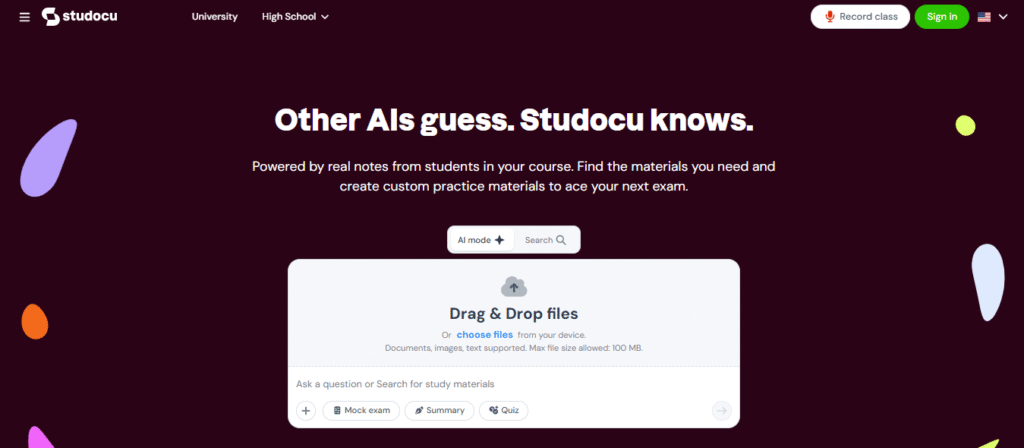
Studocu is the best overall AI study tool for students who want more than a chatbot or a basic note-taking app. It combines student-shared course resources with AI features that help turn learning material into structured revision.
Students can find summaries, lecture notes, study guides, and exam-related resources, then use AI to create quizzes, flashcards, notes, and mock exams. This makes Studocu useful throughout the academic journey, from understanding a lecture to preparing for a final exam.
Studocu combines real student-shared notes and course materials with AI tools that turn those resources into more active learning formats. Across its web, mobile web, and mobile app experiences, students can access features such as lecture recording, transcription, AI-generated summaries, quizzes, flashcards, and homework support.
Key features:
- Summaries: Condenses long notes, readings, and lecture content into revision-friendly overviews.
- Exam prep and past exams: Helps students find practice-oriented resources and prepare around likely exam topics.
- Study guides: Converts scattered material into a more organised learning path.
- Lecture notes: Gives access to peer-shared notes and supports note-based revision.
- Flashcards: Creates quick recall prompts for memorisation and vocabulary drills.
- AI study assistant: Lets students ask questions about their uploaded or selected materials.
- Quiz generator: Turns documents and notes into practice quizzes with feedback.
- Tutoring and expert-style Q&A: Supports question-based learning when students are stuck.
- Study groups and collaboration: Makes it easier to share notes and collaborate around materials.
- Lecture recording and transcription: Records lectures, generates transcripts, summaries, notes, and quizzes from the session.
- Textbook solutions and homework help: Useful for working through questions, especially when paired with course notes.
- Note-taking and annotation: Helps students structure, revisit, and work directly from learning materials.
- Mock exam generator & practice tests with step-by-step solutions: Creates exam-style practice from notes or uploaded material. Supports repeated testing rather than passive rereading. Helps students break down problems and understand the method.
- Memorisation and vocabulary drills: Flashcards and quizzes help reinforce definitions, formulas, and key terms.
Strength: Its strongest advantage is breadth; a student does not need one tool for finding notes, another for recording a lecture, a third for flashcards, and a fourth for quizzes. Studocu brings those study stages closer together.
Limitation: Studocu’s library is based on shared materials, so availability differs by subject, university, language, and region. Students should also verify any notes, past-exam-style materials, or solutions against their official syllabus and instructor guidance.
2. ChatGPT: Good for on-demand explanations
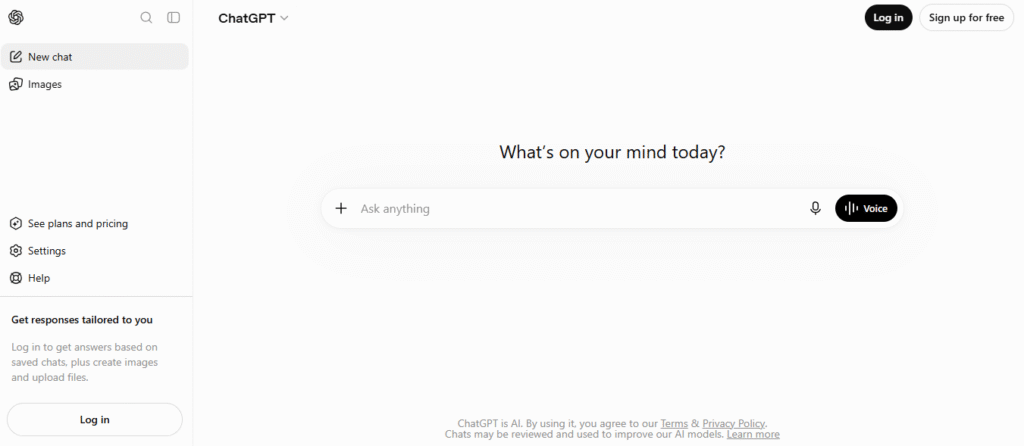
ChatGPT is ideal when a concept feels confusing and you need someone to explain it differently. It can simplify a theory, create examples, quiz you through a topic, or guide you through a calculation step by step.
Its Study Mode is designed to use questions and step-by-step guidance instead of immediately presenting a final answer. That makes it more useful for learning than simply copying a response.
Key Features:
- Step-by-step explanations
- Practice-question generation
- Revision-plan creation
- Essay brainstorming
- Problem-solving support
- Concept simplification
- Role-play for oral exams
- Feedback on reasoning and answers
Strength: ChatGPT is highly adaptable; you can ask it to explain the same topic at beginner, exam-ready, or expert level, making it valuable across subjects.
Limitation: It does not automatically know your exact syllabus or have guaranteed access to your course materials. Always check citations, calculations, and factual answers, especially for assignments, exams, law, medicine, science, or statistics.
3. Notion AI: Good for organised study planning
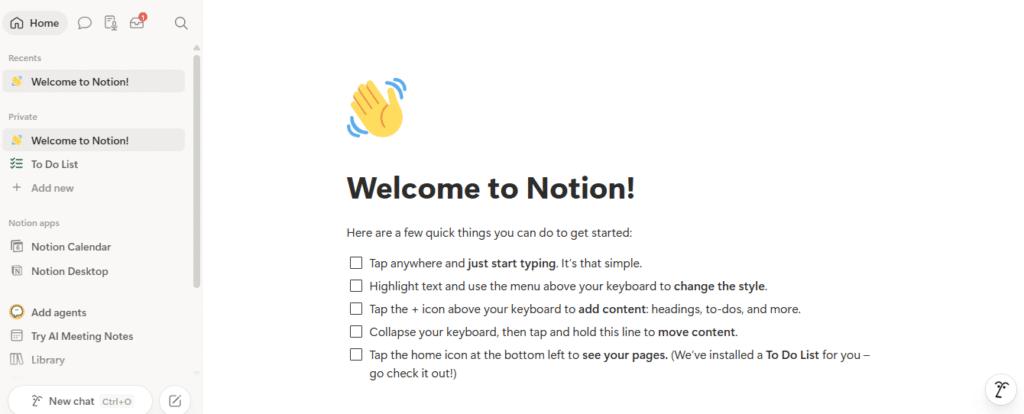
Notion AI suits students who have notes in too many places and deadlines they keep forgetting. It can help organise lecture notes, reading lists, assignment trackers, revision schedules, and project work inside one workspace.
Use it to summarise your own notes, turn action points into tasks, create a subject dashboard, or search across a structured knowledge base. Notion AI is most valuable when it works with a well-maintained workspace rather than replacing one.
Key Features:
- AI note summaries
- Assignment and deadline tracking
- Study planners
- Revision dashboards
- Reading-list organisation
- Project management
- Searchable study workspace
- AI-assisted writing and editing
Strength: Notion AI is excellent for building a repeatable study system. A student can combine a semester calendar, assignment tracker, reading database, notes archive, and revision checklist in one place.
Limitation: It does not provide the same built-in bank of peer-shared course notes, practice materials, or exam resources that make Studocu especially useful for subject-specific revision.
4. Otter.ai: Good for lecture capture
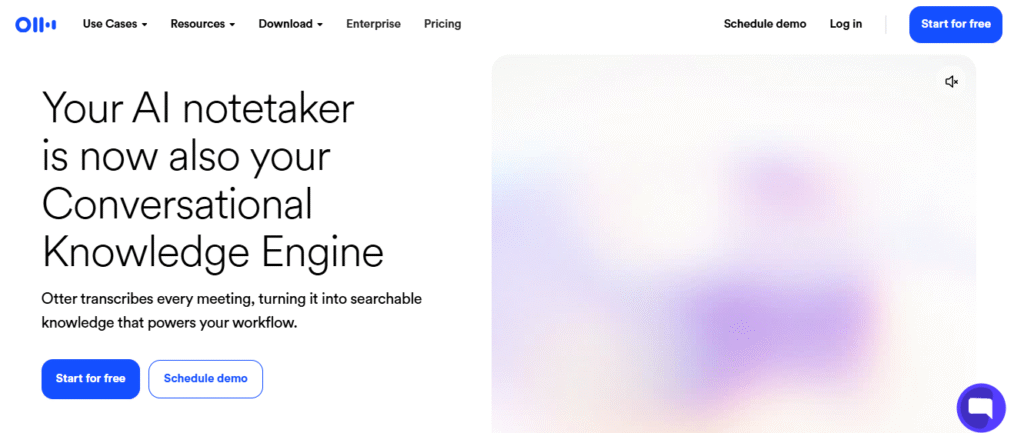
Otter.ai is most useful for students who struggle to take detailed notes while listening. It records spoken lectures or discussions, produces searchable transcripts, and generates summaries that can make later review much faster.
For students with long lectures, accessibility needs, or fast-paced instructors, a searchable transcript can be more valuable than pages of rushed handwritten notes. Otter also supports highlights, comments, sharing, and post-lecture review.
Key Features:
- Lecture recording
- Live transcription
- AI-generated summaries
- Searchable notes
- Speaker identification
- Highlighting and collaboration
- Audio playback with transcript review
Strength: It helps you stay engaged during a lecture instead of trying to write every sentence. You can return later to search for a term, replay a segment, or review key points.
Limitation: Otter is a note-capture tool first. It does not offer the same full revision loop of course-resource discovery, flashcards, practice quizzes, mock exams, and student note libraries found in Studocu.
5. Quizlet: Good for flashcards
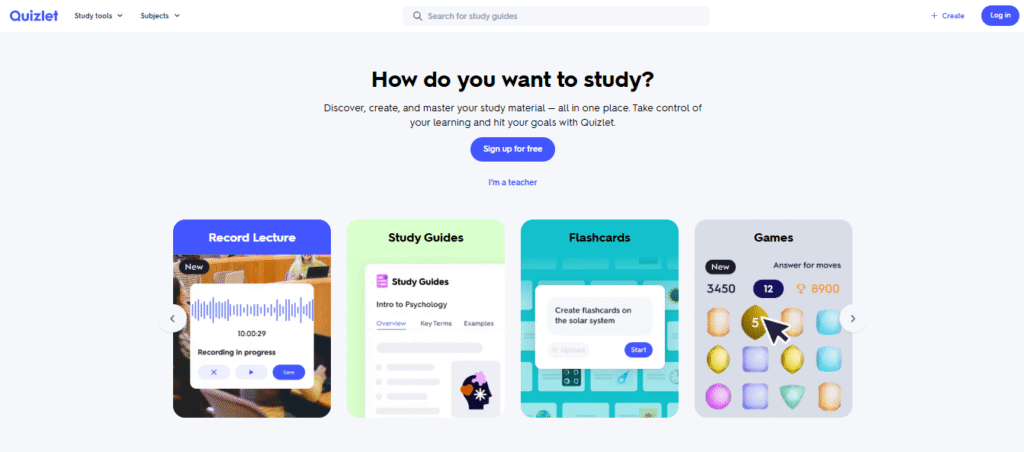
Quizlet remains a strong choice for memorisation-heavy subjects. It works particularly well for language vocabulary, biology terminology, legal definitions, historical dates, formulas, and short-answer recall.
Key Features:
- Digital flashcards
- Vocabulary practice
- Recall-based revision
- Subject-based study sets
- Test-style learning activities
- Quick review sessions
Strength: Its flashcard-first approach makes active recall easy. Rather than rereading a chapter, students can repeatedly retrieve information, a better test of what they actually remember.
Limitation: Flashcards can encourage surface-level memorisation if students use them without explanations, examples, or practice problems. It is best paired with deeper notes and structured study guides.
6. Grammarly: Good for improving academic writing
Grammarly is useful for students writing essays, reports, dissertations, emails, and application materials. It flags grammar issues, unclear phrasing, repetitive wording, and readability problems.
Key Features:
- Grammar checks
- Spelling corrections
- Clarity suggestions
- Tone feedback
- Sentence rewrites
- Readability improvements
- Citation and writing support features
Strength: It gives immediate, practical feedback that can help students submit cleaner drafts and recognise recurring writing mistakes over time.
Limitation: Grammarly cannot verify whether an argument is academically sound, whether a source is appropriate, or whether a claim is factually correct. Students should not accept every suggested rewrite without considering tone, meaning, and assignment requirements.
7. MagicSchool: Good for guided AI tutoring
MagicSchool is designed for schools and classrooms, with student-facing tools, teacher-led activities, and settings intended to support responsible AI use. It offers student learning tools alongside quiz, feedback, and classroom-management features.
For students, its value is in guided support rather than unrestricted prompting. MagicSchool’s student environment is designed to provide personalized learning help while allowing educators to configure activities and learning goals.
Key Features:
- Student-focused AI tools
- Guided learning activities
- Quiz and assessment support
- Personalised feedback
- Teacher-led AI spaces
- Responsible AI learning support
- Classroom-oriented workflows
Strength: MagicSchool is a compelling option for teachers who want students to use AI within clearer educational boundaries. Its guided tools, student rooms, feedback features, and formative quiz options can make AI use more structured.
Limitation: It is not as independent or course-resource-focused as Studocu. Its most useful features may depend on whether a teacher, school, or district has adopted and configured the platform.
Conclusion
AI study tools can make revision more organised, active, and less stressful. Whether you need lecture transcripts, flashcards, writing feedback, study planning, or exam practice, the right tool can save time and help you focus on what matters: understanding the subject.
For students looking for the most complete study workflow, Studocu is the strongest choice. It goes beyond simple AI answers by combining course materials, AI notes, quizzes, flashcards, practice tests, mock exams, and lecture support in one study-focused platform.
Frequently Asked Questions
Q: What is the best AI study tool in 2026?
A: Studocu is the best all-in-one option because it combines study materials, lecture notes, AI summaries, flashcards, quizzes, mock exams, homework support, and practice tests in one workflow.
Q: Is Studocu better than ChatGPT for studying?
A: Studocu is stronger for course-focused revision because it combines student materials with practical study tools. ChatGPT is better for flexible explanations, brainstorming, and working through a difficult idea step by step.
Q: Can AI study tools help improve grades?
A: They can support better study habits by helping students practise recall, organise notes, prepare for exams, and identify gaps in understanding. However, students still need to read, practise, verify information, and follow academic-integrity rules.
Q: Are AI study tools safe for assignments?
A: AI tools should support your learning process, not replace it. Use them to brainstorm, revise, clarify concepts, and improve drafts, but always check facts, cite approved sources, and follow your school’s policies.


