

An operations lead at a 500-person company asks the company search tool for the current travel policy. The answer comes back in seconds, it sounds confident, and it is based on a document from two years ago. Nobody notices until an expense claim bounces.
That moment is why enterprise search is harder than it looks. Finding a document is the easy part. Returning the right, current answer to the right person is what decides whether employees trust the tool or quietly go back to asking colleagues.
This guide compares six enterprise search tools on that single question: how does each one keep answers accurate?
What Mid Sized Companies Need From Enterprise Search
A company with 100 to 1,000 employees sits in an awkward spot. It has enough tools and documents to need real enterprise search, but rarely the large IT team that a global rollout assumes. Four things decide whether a search tool earns trust at that size:
- Visible citations: every answer should point to the document, thread or ticket it came from, so people can check it in one click.
- Freshness control: the tool should notice when content is outdated, push current versions up and make it clear who owns a fix.
- Permission fidelity: access rules from the source apps must apply before an answer is generated, so sensitive documents never leak into a summary.
- Manageable rollout: setup should take days or weeks for a lean IT team, not a quarter of project work.
Most tools handle search across connected apps well. Fewer of them do anything about the quality of the documents they search. That difference matters more than the length of a connector list, because a fast answer from a stale document is still a wrong answer.
6 Enterprise Search Tools That Keep Answers Accurate
The tools below are ordered by how well they fit a mid-market company that needs accurate answers without a large search team. Slite comes first because it is the only tool on the list that both searches company knowledge and maintains it.
1. Slite
Slite calls itself the self-maintaining knowledge base, and for 100 to 1,000-person companies that description is literal. It is one system that does enterprise-grade search and also owns a verified, permission-aware source of truth, instead of a search layer sitting on top of documents that slowly go stale.
The core is Slite Agent. It detects documentation drift by cross-checking Slite documents against each other and against Slack, Linear, GitHub, Intercom and 20+ other connected tools. When it finds a mismatch, it acts by proposing the fix. Control stays human: every change goes through the Triage UI for review, and nothing is applied automatically. For teams that want knowledge base agents to do the upkeep without giving up oversight, that review step is the guardrail.
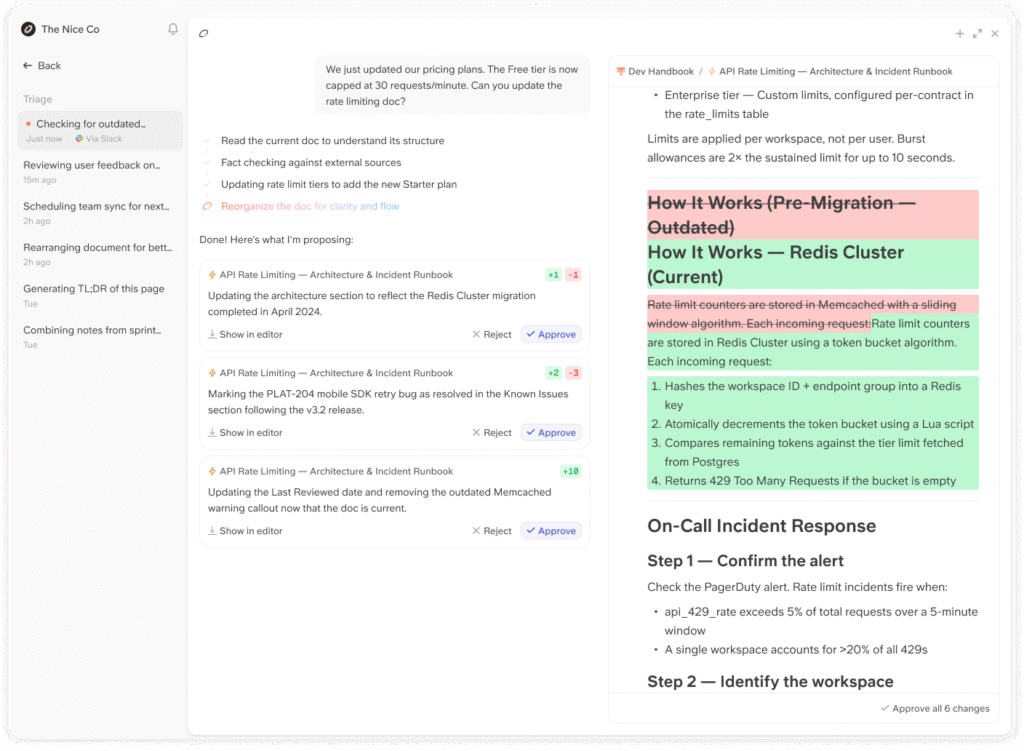
Search accuracy follows from that. Slite's AI search tool for teams returns cited answers, ranks verified documents higher and says "no answer found" instead of inventing one. On the Pro plan, search reaches across connected tools such as Slack, Google Drive, Linear, GitHub and Jira, with permissions checked at query time. Doc Verification lets each document owner set a verification period, after which Slite reminds them to review it, and the Knowledge Management Panel shows outdated documents, expired verifications and empty documents in one dashboard.
Self-serve Confluence import tools help teams moving off an older wiki get started quickly. Security leads get SOC 2 Type II, GDPR, EU hosting and SSO/SCIM, and MCP access on every plan means the same verified content can feed an AI agent for knowledge base work in tools like Claude.
Fit and limits: Slite works best when one platform should handle both enterprise search and the source of truth. It has 20+ connectors rather than hundreds, no on-premise option and no Microsoft Teams connector.
2. Glean
Glean is built for broad, complex tool stacks. Its connectors page lists 275+ out-of-the-box connectors, and its knowledge graph links people, content and activity so results reflect who is asking.
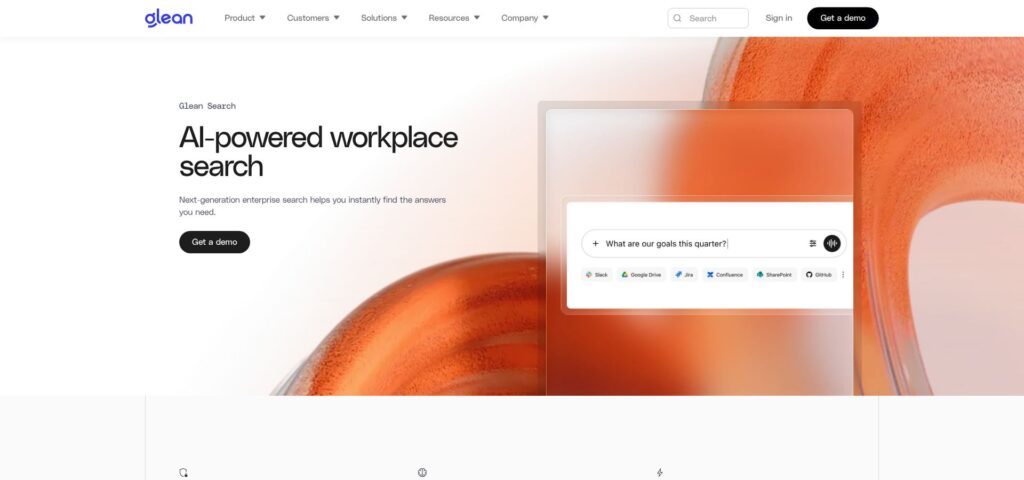
Glean says its connectors fetch the permissions map from each source, so search results follow the access rules set in the source application, and it says it supports real-time sync, so updates to data and permissions are reflected as they happen in the source system. Its own documentation adds a caveat worth testing: exact behavior varies by connector, and some permission changes only show up after the next crawl interval for that source. Opening a result usually sends the user to the source app, which may check access again, and Glean's Salesforce documentation notes that field-level security is not enforced by that connector today.
For a mid-sized company, the trade-off is effort. Each connected tenant needs admin setup and a security review, and Glean is designed around the scale and IT support of large organizations.
If Glean is on your shortlist next to Microsoft, see this Glean vs Microsoft 365 Copilot comparison for a closer look at how the two differ.
3. Atlassian Rovo
Rovo is Atlassian's AI search and agent layer, so teams already working in Jira and Confluence get it in tools they open every day.
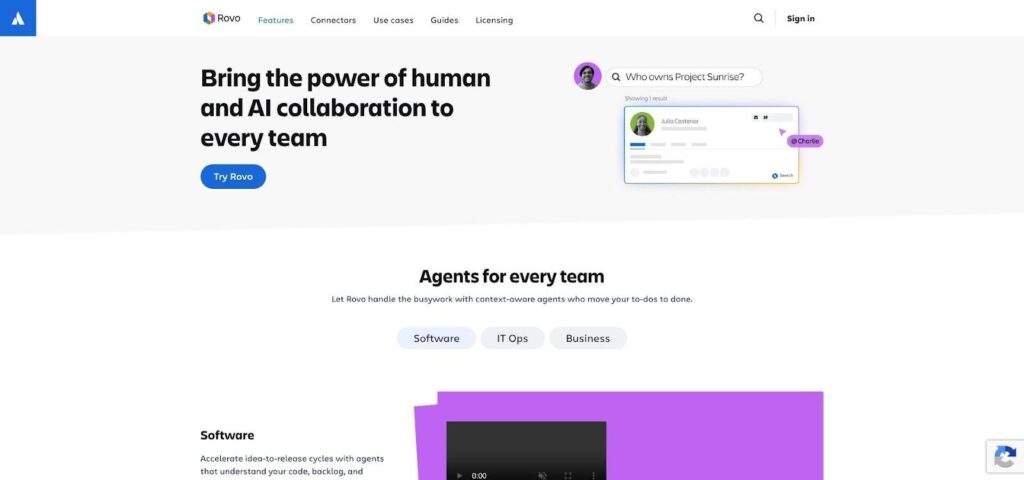
Freshness and permissions depend on the connector type. Synced connectors keep a copy of external content and mirror the source app's permissions; when content is added, removed or restricted in the source, the change flows into Rovo. Direct connectors index nothing at all. They query the source live and use the person's own access at query time. For admin-managed synced connectors, Rovo listens for deletions and updates its index, so removed content stops appearing in results. Some sources, such as Google Drive, also need each user to link their own account before Rovo can mirror their normal access.
Atlassian also gives admins a practical warning: a connector that shows a healthy sync only proves the connection works, not that permissions are right. Its guidance is to test with one user who has access and one who does not.
Rovo is the natural fit when most company knowledge already lives in Atlassian Cloud. It does not fix documents that are out of date; it finds what is there.
4. Microsoft 365 Copilot
For companies built on Microsoft 365, Copilot searches across work content in SharePoint, OneDrive, Outlook and Teams and grounds its answers in that data through Microsoft Graph.
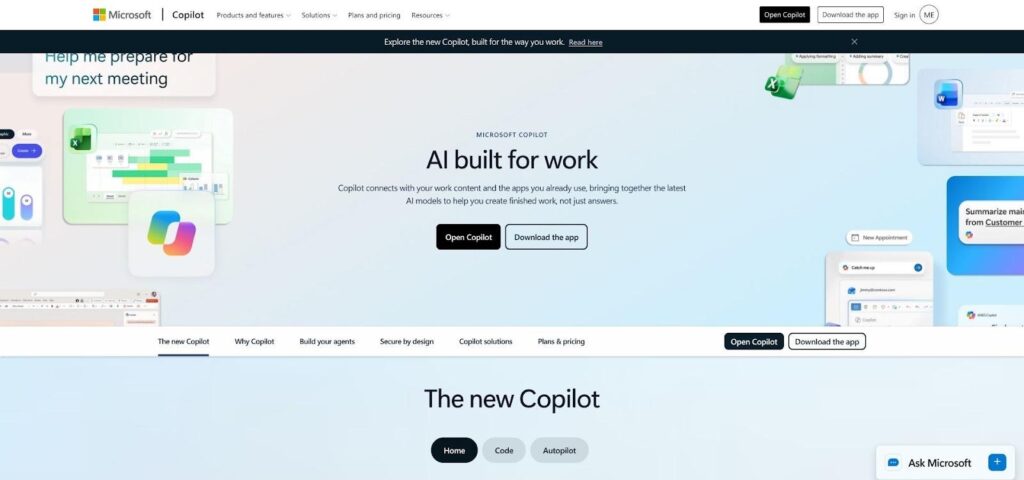
Outside data arrives through two kinds of Copilot connectors. Synced connectors index external items into Microsoft Graph, and each item carries an access control list, so search and Copilot only show it to people who have access in the source system. Federated connectors copy nothing; they query the source live under the signed-in user's identity, so the source system enforces every permission. If a user disconnects a self-serve synced connector, or an admin disables it, the indexed content is removed and syncing stops.
Accuracy here depends heavily on housekeeping. Copilot respects existing permissions, which means overshared SharePoint sites and old files stay visible to it. Microsoft's own documentation also notes that incremental crawls do not currently process permission updates, so those changes are only picked up during full crawls.
Copilot fits best when the company runs on Microsoft 365 and SharePoint governance is already in good shape.
5. Gemini Enterprise
Gemini Enterprise is Google Cloud's enterprise search and assistant product. It connects Google Workspace and third-party sources through data stores and answers questions with links back to the source content.
Freshness is set by the sync schedule. A full sync captures the whole source, including additions, updates and deletions. An incremental sync picks up only items added or updated since the last sync and skips deletions and identity data, so removed content is only cleared by a full sync. Access control relies on identity syncs that map users to the groups in each source. Identity data can sync as often as every 30 minutes, while the shortest interval for a full sync of entity data is every 3 hours, and incremental syncs must be scheduled more often than full syncs.
That design gives admins fine control, but it also puts the responsibility on them. Sync schedules need care, because an answer can only be as current as the last full sync of that source.
Gemini Enterprise suits companies that are already Google-first and have admins comfortable working in Google Cloud.
6. Coveo
Coveo is a highly configurable search platform. Admins can shape relevance and decide how and when each source is updated.
Each source has three update operations. A refresh crawls only items the content system marks as changed. A rescan crawls everything and re-indexes what changed, which Coveo describes as a safeguard for changes a refresh misses. A rebuild re-indexes everything. Coveo's documentation is explicit that item permission changes only take effect after a source update, and some connectors need a rescan or rebuild rather than a refresh to pick them up. Group membership changes need a separate refresh of security identities. Its guidance is to give every source that supports refresh both a refresh and a rescan schedule; a source with a very reliable refresh may only need a monthly rescan.
That level of control is powerful, but it costs admin time. Coveo makes the most sense when search relevance is a product in its own right and someone on staff owns its tuning.
Enterprise Search Software Comparison
| Tool | Best-fit company size | How it keeps answers accurate | Permissions |
| Slite | 100 to 1,000 employees | Cited answers, drift detection, human-approved fixes | Checked at query time |
| Glean | Large organizations with dedicated IT | Permission-aware connectors, real-time sync | Inherited from source apps |
| Atlassian Rovo | Atlassian-centered teams | Synced or live direct connectors | Mirrored or checked at query time |
| Microsoft 365 Copilot | Microsoft 365 companies | Grounding in Microsoft Graph, synced or federated connectors | Item access lists or source checks |
| Gemini Enterprise | Google-first companies | Scheduled full and incremental syncs | Identity syncs from source groups |
| Coveo | Teams with search admins | Refresh, rescan and rebuild cycles | Updated after source updates |
When Glean Is the Right Choice
Glean is the right answer for some companies, and it is fair to say so. If your organization has 2,000 or more employees, runs dozens of niche systems that need connectors, has strict governance requirements and a dedicated IT team to run the rollout, Glean's breadth is hard to match.
The same is true if Glean is already embedded and working well. Switching costs are real: connectors, permissions testing and user habits all take time to rebuild. In that case, the better question is not "which tool next" but whether the documents Glean searches are being kept accurate.
How to Choose
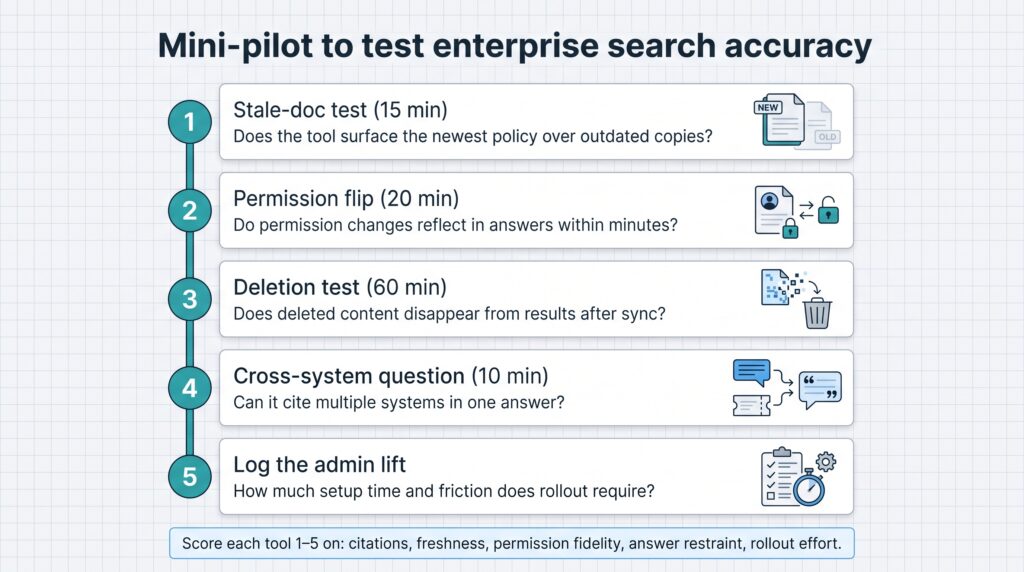
Run a short pilot instead of relying on demos. Use the same tests for every tool:
- Stale document test: keep an old and a current version of the same policy and see which one each tool returns.
- Permission test: remove a tester's access to a document, wait, and ask again.
- Deletion test: delete a document and check how long it keeps appearing in answers.
- Restraint test: ask a question the documents cannot answer and see whether the tool admits it.
- Admin effort: record setup time, approvals and any step that every user must complete.
Score each tool from 1 to 5 on citations, freshness, permissions, restraint and rollout effort.
Conclusion
For a mid-sized company, the best enterprise search software is the one employees can trust on the first try. Broad connector lists and fast results matter, but they do not fix outdated documents. Pick the tool whose approach to accuracy matches how your company actually works, then prove it in a pilot before the contract is signed.


