

Here’s why n8n alternatives matter in 2025:-
Workflow automation tools are no longer optional in 2025. Whether you are running client projects, managing internal operations, or automating repetitive tasks across apps, automation has become the backbone of modern digital work
While working on freelance projects and building automations for marketing, lead routing, reporting, and APIs, I found that n8n can introduce friction. Its setup and learning curve often slow down non-technical users and fast-moving teams, which is why interest in n8n alternatives has grown rapidly.
In 2025, businesses are looking for workflow automation tools that balance flexibility, ease of use, scalability, and cost. Some prefer no-code solutions, others need enterprise-grade automation. This guide covers the 7 best n8n alternatives based on usability, features, pricing, and real-world performance.
n8n is powerful- Especially for developers who want control and self-hosting- but it is not always the best fit for every team.
By the end of this blog, you will know which automation platform fits your use case, whether you are a freelancer, startup, or enterprise team.
Here’s why n8n alternatives matter in 2025:-
Table of Contents
What Are Workflow Automation Tools?
Workflow automation tools are platforms that connect multiple apps, APIs, and systems to automate repetitive tasks without manual intervention. Instead of copying data, triggering emails, updating CRMs, or syncing reports manually, these tools let you build workflows that run automatically based on triggers and conditions.
Modern workflow automation software supports no-code builders, API workflow automation, data integration automation, and even advanced automation orchestration for enterprise use cases. In simple terms, they save time, reduce errors, and allow teams to scale operations without adding headcount.
Why Look for n8n Alternatives?
n8n is an open-source workflow automation tool with strong customization capabilities, but it is not always practical.
From hands-on use, the most common reasons people search for alternatives to n8n are:
- Steep learning curve for non-developers
- Complex setup for simple workflows
- Limited UI clarity compared to modern no-code automation tools
- Higher maintenance effort when self-hosted
- Overkill for small business automation needs
In contrast, many newer automation platforms focus on speed, ease of use, and prebuilt integrations, while still offering power under the hood. That is where the following tools stand out.
Best n8n Alternatives Comparison Table
| Tool | Pricing | Best For | Key Feature |
|---|---|---|---|
| Zapier | Free + Paid | Non-technical teams | Massive app ecosystem |
| Make | Free + Paid | Advanced workflows | Visual workflow builder |
| Pabbly Connect | One-time + Subscription | Budget-conscious users | Unlimited workflows |
| Activepieces | Free + Paid | Open-source fans | No-code open-source |
| Workato | Custom Pricing | Enterprise automation | Advanced orchestration |
| Tray.io | Custom Pricing | Complex B2B workflows | API-first automation |
| Node-RED | Free | Developers | Flow-based programming |
7 Best n8n Alternatives in 2025
1. Zapier
Website: https://zapier.com

Overview:
Zapier is one of the most widely used workflow automation tools and a strong n8n alternative for users who want simplicity. It focuses on no-code automation, making it easy to connect thousands of apps without touching APIs. In real usage, Zapier shines when speed matters more than deep customization. For freelancers handling multiple client tools, Zapier often gets workflows live in minutes.
Key Features:
- 6,000+ app integrations
- Simple trigger-action workflows
- Multi-step Zaps
- Built-in filters and paths
Best For:
Small businesses, marketers, freelancers, non-technical teams
Pros & Cons
| Pros | Cons |
|---|---|
| Extremely easy to use | Can get expensive at scale |
| Largest integration library | Limited logic compared to n8n |
| Fast setup | Less control over execution |
2. Make (formerly Integromat)
Website: https://www.make.com
Overview:
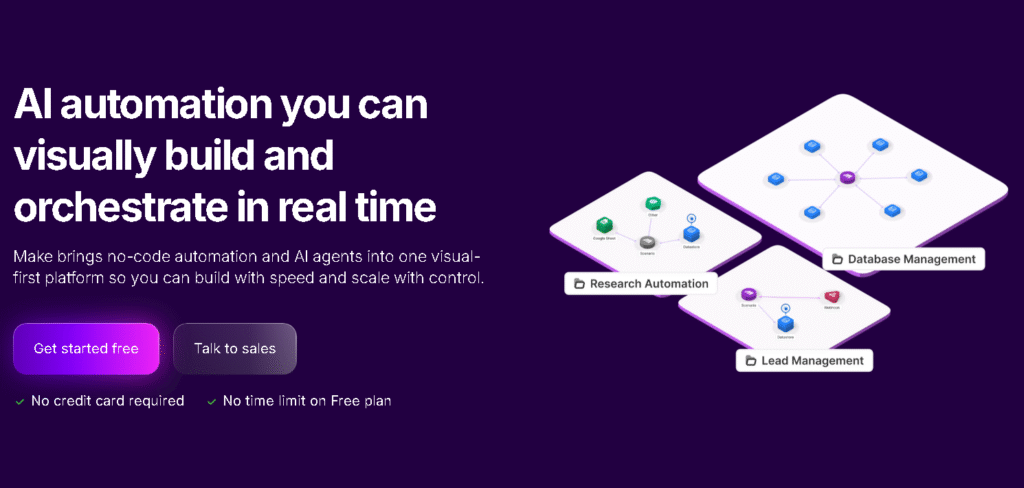
Make is often considered the closest visual competitor to n8n. It offers a powerful drag-and-drop workflow builder with deep logic, branching, and data transformation. From personal experience, Make feels like the sweet spot between usability and power. It is flexible enough for complex automation but still accessible for users willing to invest some learning time.
Key Features:
- Visual scenario builder
- Advanced data manipulation
- API workflow automation
- Webhooks and scheduling
Best For:
Advanced users, agencies, workflow-heavy projects
Pros & Cons
| Pros | Cons |
|---|---|
| Highly flexible workflows | UI can feel overwhelming |
| Strong API support | Pricing based on operations |
| Better logic than Zapier | Learning curve for beginners |
3. Pabbly Connect
Website: https://www.pabbly.com
Overview:
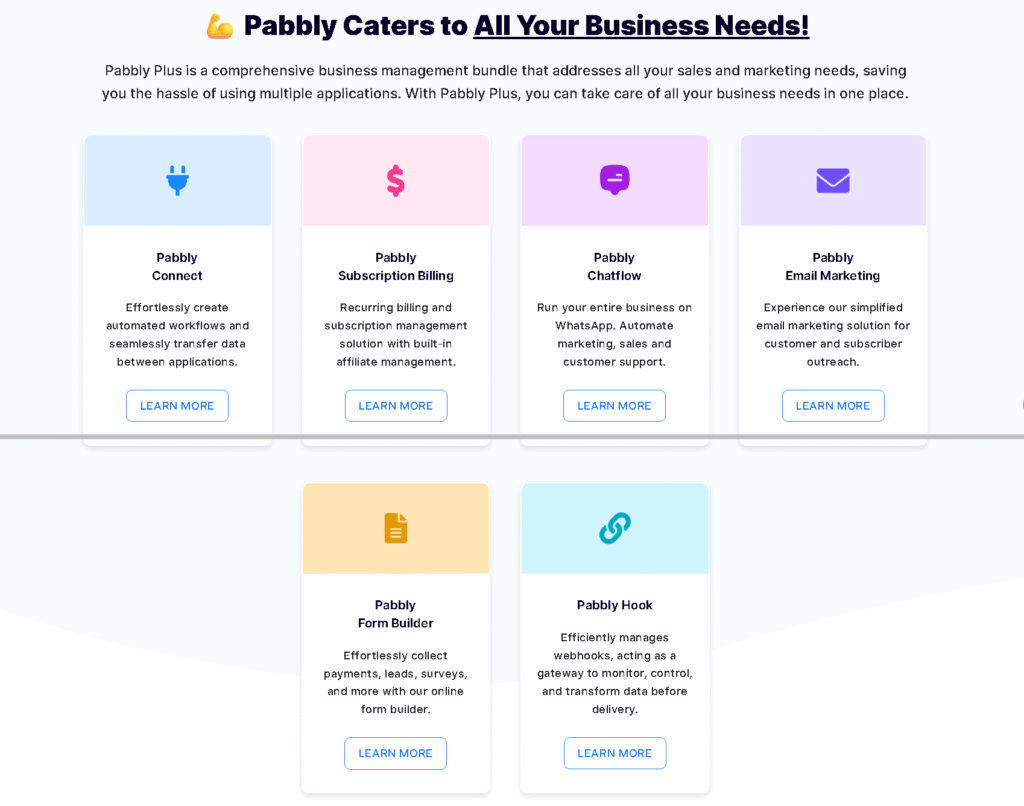
Pabbly Connect has quietly become a popular Zapier and n8n alternative, especially for users who care about pricing. It offers unlimited workflows on higher plans, which is rare in workflow automation software. In practical use, it works well for common business automations like CRM updates, email triggers, and payment workflows.
Key Features:
- Unlimited workflows
- Multi-step automation
- Webhooks support
- Budget-friendly pricing
Best For:
Small businesses, solopreneurs, cost-sensitive teams
Pros & Cons
| Pros | Cons |
|---|---|
| Affordable pricing | Smaller app ecosystem |
| No task limits | UI feels dated |
| Good for basic automation | Less advanced logic |
4. Activepieces
Website: https://www.activepieces.com

Overview:
Activepieces is an open-source, no-code automation platform designed to compete directly with n8n. It offers a cleaner UI and easier setup while retaining flexibility. For users who want open-source workflow automation without the heaviness of n8n, Activepieces is a strong option.
Key Features:
- Open-source automation
- No-code workflow builder
- Self-hosted and cloud options
- Growing integration library
Best For:
Developers, open-source enthusiasts, privacy-focused teams
Pros & Cons
| Pros | Cons |
|---|---|
| Open-source flexibility | Smaller community |
| Easier UI than n8n | Fewer integrations |
| Self-hosting control | Still evolving |
5. Workato
Website: https://www.workato.com
Overview:
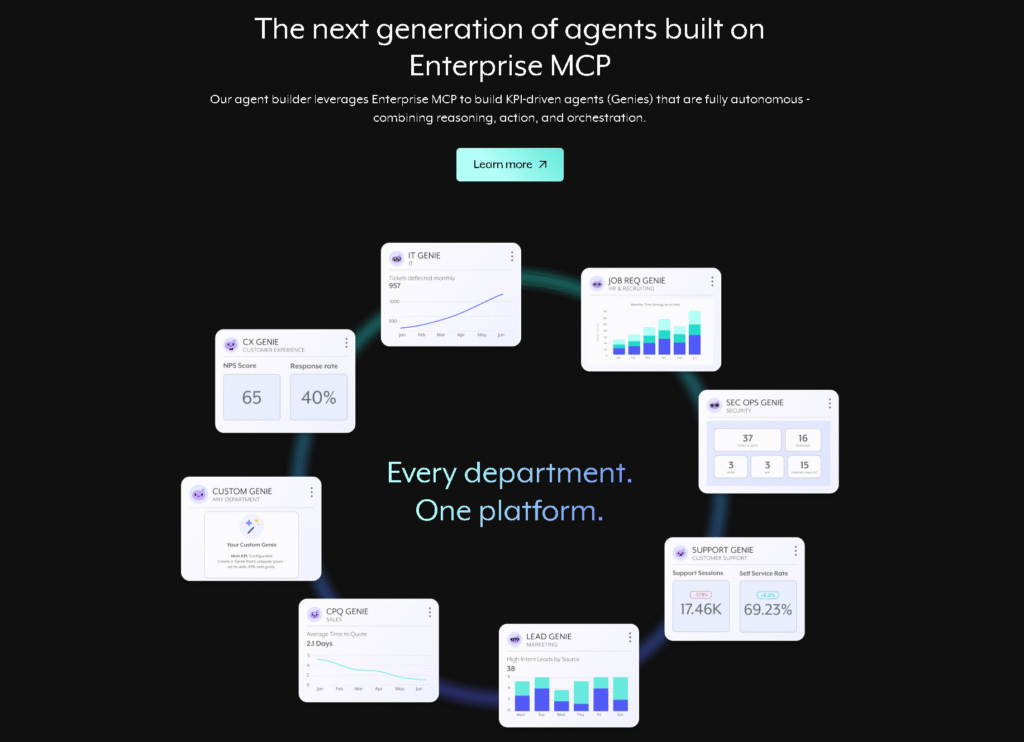
Workato is built for enterprise workflow automation. It goes far beyond basic triggers and actions, offering automation orchestration, governance, and security at scale. In real-world enterprise setups, Workato handles complex cross-department workflows that smaller tools simply cannot manage reliably.
Key Features:
- Enterprise-grade automation
- Advanced governance controls
- AI-powered automation suggestions
- Strong security compliance
Best For:
Large enterprises, IT teams, complex operations
Pros & Cons
| Pros | Cons |
|---|---|
| Extremely powerful | Very expensive |
| Enterprise-ready features | Overkill for small teams |
| Scales well | Requires onboarding |
6. Tray.io
Website: https://tray.io
Overview:
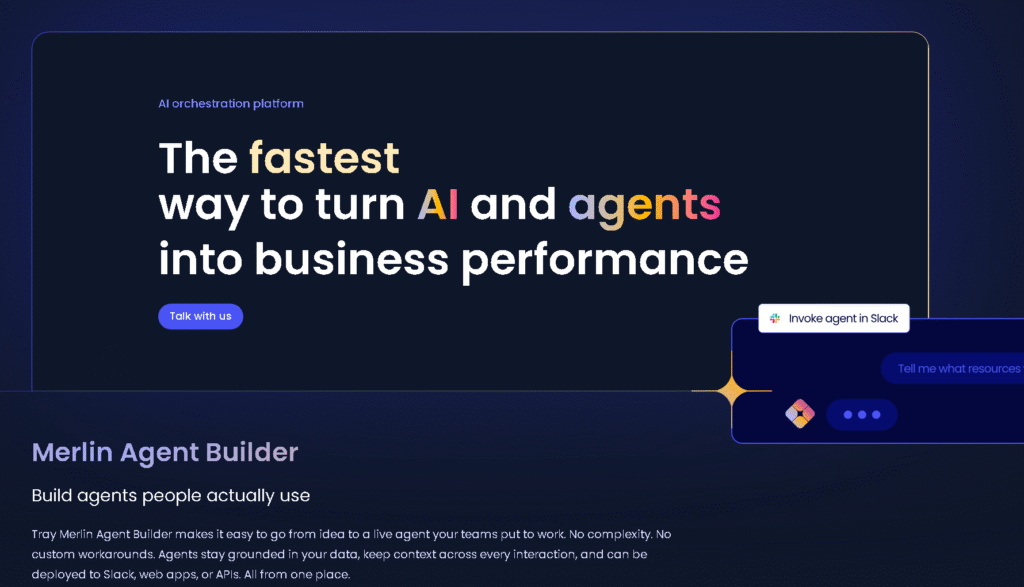
Tray.io is an API-first automation platform designed for complex integrations. It is often chosen when standard no-code automation tools fall short. From experience, Tray.io excels in B2B SaaS workflows where data transformation and API control are critical.
Key Features:
- API-first workflow automation
- Advanced data mapping
- Enterprise scalability
- Strong developer tools
Best For:
B2B companies, SaaS platforms, technical teams
Pros & Cons
| Pros | Cons |
|---|---|
| Deep API control | High cost |
| Enterprise-ready | Requires technical skills |
| Powerful automation | Not beginner-friendly |
7. Node-RED
Website: https://nodered.org
Overview:
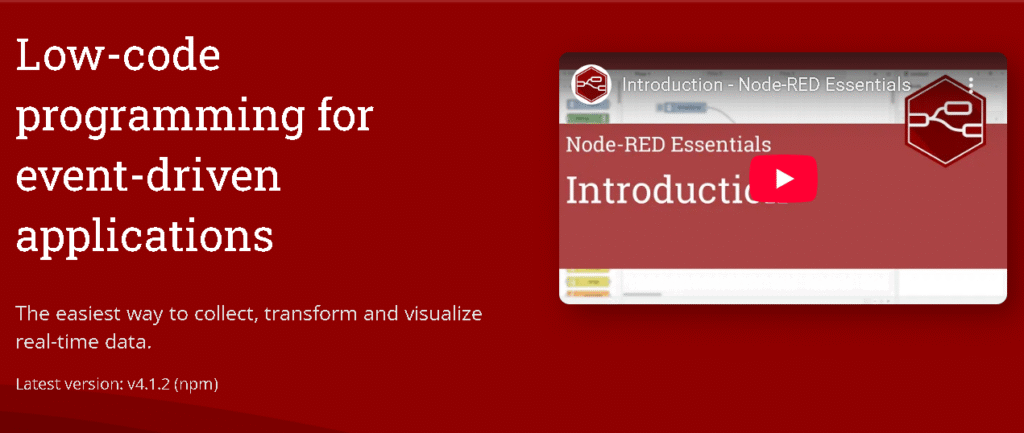
Node-RED is a flow-based, open-source automation tool built on Node.js. It is often used in IoT, backend automation, and event-driven workflows. Compared to n8n, Node-RED feels more developer-oriented and less polished, but extremely flexible.
Key Features:
- Flow-based programming
- Open-source and free
- Strong community support
- Lightweight runtime
Best For:
Developers, IoT projects, custom backend automation
Pros & Cons
| Pros | Cons |
|---|---|
| Completely free | Not no-code friendly |
| Highly flexible | UI feels dated |
| Strong developer control | Requires setup effort |
How to Choose the Right n8n Alternatives
Choosing the right workflow automation tool depends on your technical comfort, budget, and workflow complexity.
If you want speed and simplicity, Zapier or Pabbly Connect makes sense. If you need advanced logic without heavy coding, Make is usually the best fit. For open-source lovers, Activepieces and Node-RED offer control. Enterprises should look at Workato or Tray.io for scalable automation orchestration.
Do not chase features you will never use. In real automation projects, clarity, reliability, and maintenance effort matter more than theoretical power.
Resources You May Find Helpful
- Explore more AI Automation Tools on our site
- Read our detailed guide on LLM Tools for Startups
- Check out more at tooljunction, we share honest AI tool reviews and tutorials to help you choose the right tools for your creative projects.
FAQs
1. Which is the best n8n alternatives for beginners?
Zapier is the easiest n8n alternatives for beginners because it requires no technical knowledge and offers a clean interface. Users can build workflows quickly without worrying about APIs or hosting.
2. Are there free workflow automation tools available?
Yes. Node-RED and Activepieces offer free, open-source options. Zapier and Make also provide limited free plans suitable for testing automation workflows.
3. Which tool is best for enterprise workflow automation?
Workato and Tray.io are best suited for enterprise use due to their advanced governance, security features, and ability to handle complex, large-scale workflows.
4. Can I self-host automation tools like n8n?
Yes. Activepieces and Node-RED allow self-hosting, making them good choices for teams that need data control and privacy.
5. Is no-code automation reliable for business use?
Yes, modern no-code automation tools are reliable when workflows are designed properly. Many businesses run mission-critical automation using no-code platforms.
Conclusion
Finding the right n8n alternatives in 2025 depends on how much control, simplicity, and scalability you actually need. n8n is powerful, but it is not always practical for real-world workflows where speed and usability matter. Tools like Zapier and Make dominate for ease and flexibility, while Pabbly Connect offers affordability. Activepieces and Node-RED serve open-source users, and Workato or Tray.io power enterprise automation.
The best approach is to start small, test workflows, and scale only when necessary. Automation should reduce friction, not introduce it. If you want to explore more workflow automation software comparisons and practical guides, check out our other in-depth blogs and stay updated with the latest automation trends.
ToolJunction simplifies AI adoption for businesses and creators. We provide trusted reviews and practical tutorials to help you select and apply the right tools for growth and productivity.
![ToolJunction.io branding used on the [The 7 Best n8n Alternatives in 2025: Top Workflow Automation Tools Compared] complete guide and tools comparison.](https://blog.tooljunction.io/wp-content/uploads/2025/09/tooljunction-1-1.webp)


