

Discover top 5 AI automation tools 2025 to streamline workflow, boost productivity, and cut repetitive tasks for teams and businesses.
By 2025, these top 5 AI Automation Tools aren't just nice to have. They’re essential. Whether you lead a small startup, manage a remote team, or run a large firm, AI likely plays a role in your tasks even if you don’t notice it.
These top 5 AI Automation tools do more than automate basic duties. They ease workflows, shorten email chains, and help teams sync without endless messages.
Table of Contents
The Rise of top 5 AI Automation Tools 2025 in Workflow Optimization

The AI workflow automation market is booming thanks to a few big shifts:–
- AI that acts without endless input.
- Drag-and-drop automation that lets you build workflows fast.
- Remote work demands more flexible tools.
- Workflows that learn and adapt as they go.
This guide walks you through 5 AI Automation tools making an impact this year. I’ll run through how they shine, where they might fall short, and when they can fit your day-to-day needs.
Reasons Why Businesses Need AI Workflow Automation in 2025:

Businesses need AI workflow automation in 2025 because manual processes can’t keep up with the speed and volume of modern work, and AI helps teams operate faster, reduce errors, and stay competitive without increasing costs.
Key Benefits
- You save time automating boring tasks like scheduling and reports.
- You avoid errors that creep in late on the workday.
- Your team can focus on creative or strategic stuff.
- You can handle more work without hiring more people.
- You keep budgets tight without losing quality.
Common Use Cases
- Marketing campaigns get lead follow-ups without manual start.
- Sales keeps CRM data updated in the background.
- HR tasks like onboarding get streamlined.
- Project updates happen automatically.
Overview of the top 5 AI Automation Tools 2025
This section looks at five top AI automation tools that will shape workflow efficiency in 2025. For each one, we cover its main features, pricing, strengths, and possible downsides so you can decide which suits your business best.
Looking for more AI tools? Explore ToolJunction to discover and compare solutions for your business.
1. Lindy AI
Best For: Startups, small businesses, entrepreneurs
Overview:
Lindy AI functions similarly to a personal digital assistant, interacting with all of your apps and completing tasks without the need for coding. Give it a prompt in simple terms, and it will take care of the rest.

Key Features
- Connects with calendars, CRMs, email, and more.
- Prioritizes tasks intelligently with machine learning.
- Understands natural language commands.
Here’s your Pros & Cons table arranged cleanly:
| Pros | Cons |
|---|---|
| Huge app library, over 6,000 | Fewer deep customization options compared to developer tools |
| Super reliable | Still new, so integrations are growing |
| AI cuts setup time in half |
Pricing Insight
Starts at $29/month; enterprise packages on request.
Example Use Case
A solo entrepreneur uses Lindy AI to set up client calls, send reminders, and prep meeting notes – saving more than 5 hours each week.
2. Zapier AI
Best For: Businesses juggling multiple platforms
Overview:
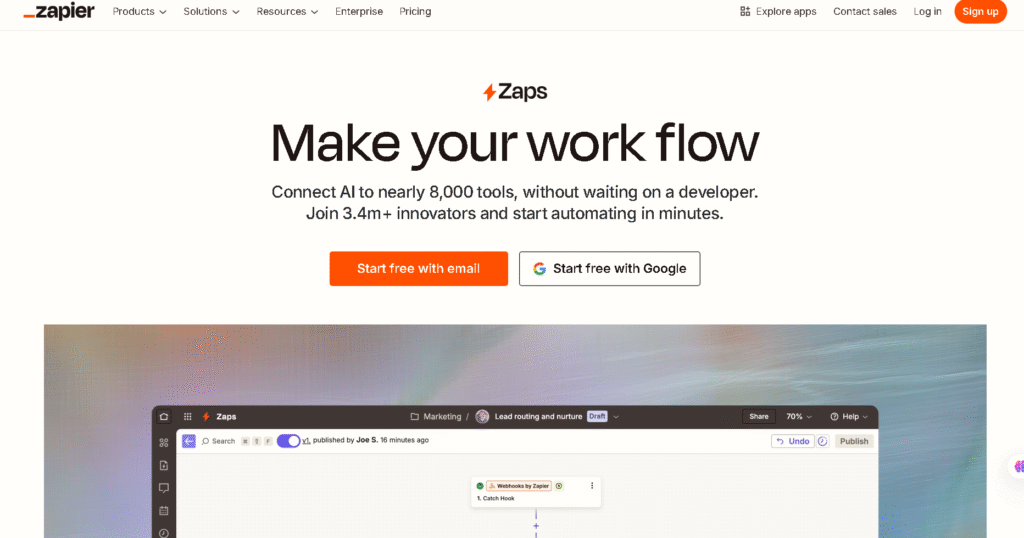
Zapier is still the go-to choice for automation, and in 2025 its AI update can suggest workflows you might need before you create them.
Key Features
- AI-generated workflow (“Zap”) suggestions.
- 6,000+ app integrations.
- Conditional logic for more complex flows.
Here is your Pros & Cons table neatly arranged:
| Pros | Cons |
|---|---|
| Huge app library | High-volume automations can be expensive |
| Reliable and well-tested platform | Advanced features require technical setup |
| AI saves time setting up new automations |
Pricing Insight
Free tier available; paid plans start at $19.99/month (AI tools in premium plans).
Example Use Case
A marketing agency links Facebook Ads with its CRM, sends custom emails to new leads, and alerts the sales team on Slack without manual work.
3. Microsoft Power Automate
Best For: Mid-to-large enterprises, Microsoft 365 users
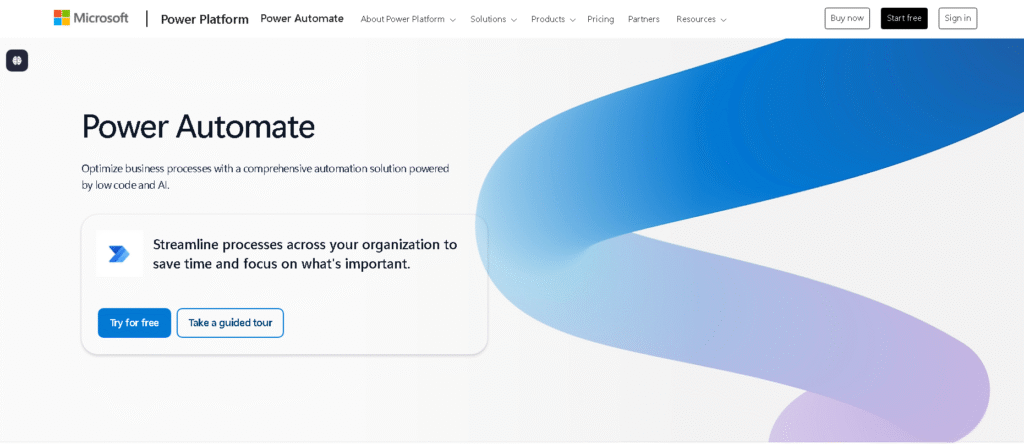
This is Microsoft powerhouse automation tool. It mixes robotic process automation (RPA) with AI so you can handle both simple tasks and heavy-duty business processes.
Key Features
- Tight integration with Microsoft 365, Dynamics 365, and Azure.
- AI Builder for document scanning and predictions.
- Both cloud and desktop automation options.
Here is your Pros & Cons table:
| Pros | Cons |
|---|---|
| Scales easily for big organizations | Steeper learning curve for non-technical teams |
| Enterprise-level security and compliance | Best value only if you're already a Microsoft customer |
| Perfect for Microsoft-heavy environments |
Pricing Insight
Starts at $15/user/month for cloud flows; RPA and AI Builder are extra.
Example Use Case
A retailer scans PDF invoices, extracts the data automatically, and updates their ERP — no manual entry needed.
4. n8n
Best For: Developers, tech-savvy startups, privacy-conscious teams
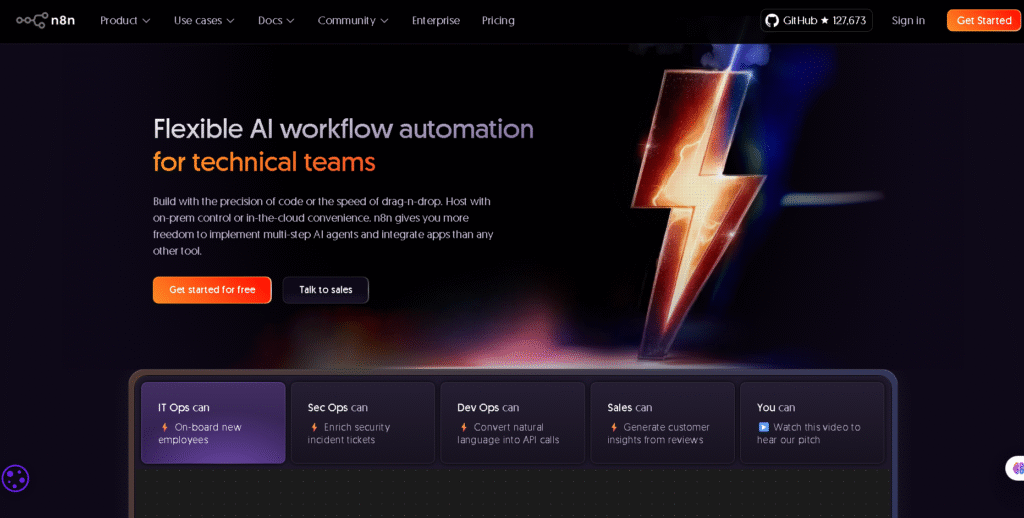
n8n is for people who like control. It’s open-source, which means you can run it on your own server and tweak it however you want.
Key Features
- Visual workflow builder.
- Self-hosted for maximum data control.
- Works with APIs and webhooks.
Here is your Pros & Cons table:
| Pros | Cons |
|---|---|
| Low-cost and scalable | Needs technical knowledge to get the most out of it |
| Highly customizable for complex workflows | Smaller integration library than Zapier |
| Strong privacy protection |
Pricing Insight
Free self-hosted; cloud hosting from $20/month.
Example Use Case
A fintech startup automates identity verification and database updates, all without sending sensitive data to third party servers.
5. Notion AI
Best For: Content creators, project managers, remote teams
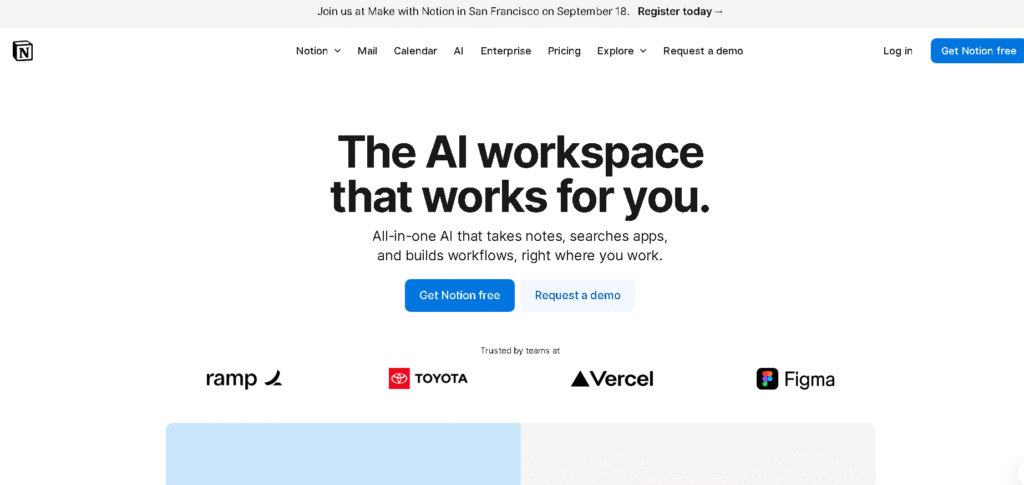
Notion AI allows a content team to schedule tasks, create blog outlines, and monitor deadlines without requiring tool switching.
Key Features
- AI-assisted content drafting and editing.
- Automated task tracking and reminders.
- Real-time team collaboration.
Here is your Pros & Cons table:
| Pros | Cons |
|---|---|
| Combines notes, projects, and AI in one space | Fewer third-party integrations |
| Excellent for content-heavy teams | AI features are locked behind a paid plan |
| User-friendly design |
Pricing Insight
Core plan starts at $8/user/month; AI add-on is $10/user/month.
Example Use Case
A content team uses Notion AI to create blog outlines, assign tasks automatically, and track deadlines without switching tools.
Comparison Table: Top 5 AI Automation Tools (2025)
| Tool | Best For | Key Features | Pricing | Main Benefits |
|---|---|---|---|---|
| Lindy AI | Startups, solopreneurs, small businesses | • Natural language task automation• Connects with calendars, CRMs, email• Smart task prioritization | Starts at $29/month | • Saves 5+ hours/week• No coding needed• Works across 6,000+ apps |
| Zapier AI | Businesses using multiple apps | • AI-generated workflow suggestions• 6,000+ integrations• Conditional logic automation | Free plan availablePaid starts at $19.99/month | • Extremely reliable• Fast automation setup• Best for cross-platform workflows |
| Microsoft Power Automate | Mid-large enterprises, MS 365 users | • AI Builder for document scanning• Cloud + desktop automation• Deep Microsoft integration | Starts at $15/user/month | • Enterprise-grade security• Scales easily• Best for Microsoft ecosystem |
| n8n | Developers, privacy-focused teams | • Open-source automation• Self-hosting option• API + webhook support | Free (self-hosted)Cloud from $20/month | • Full data control• Highly customizable• Cost-effective |
| Notion AI | Content teams, project managers | • AI writing + content tools• Auto task tracking• Team collaboration | Core: $8/user/monthAI add-on: $10/user/month | • All-in-one workspace• Great for content workflows• Easy to use |
How to Choose the Best AI Workflow Automation Tool?

While choosing the right tool, focus on:–
- Does it play nicely with the tools you already use?
- Is it easy enough to use now, or does your team need something more flexible?
- Will it grow as you do?
- Does it fit your budget upside-down and later on?
- Is it secure enough for your data?
Upcoming trends in AI workflow automation.
Looking ahead, we’ll likely see:–
- Chat-based configuration "Hey tool, schedule this meeting."
- Self-improving workflows over time
- Agents that handle everything end-to-end
- Real-world events that trigger automation (IoT, anyone?)
Frequently Asked Questions About top 5 AI Automation Tools 2025
Q1: Which AI Automation tools are best for small businesses in 2025?
Ans.- Lindy AI and Zapier AI keep costs low and get you running fast.
Q2: Are these tools expensive?
Ans.– It varies- n8n can be free if self-hosted; Power Automate climbs higher in price.
Q3: Do I need coding to use them?
Ans.- Nope! Lindy, Zapier, and Notion use no-code logic.
Q4: Are these tools secure?
Ans.- Pick services with encryption and compliance checks if you handle sensitive info.
Q5: How soon will I see results?
Ans.– Many teams notice better workflow and fewer manual steps within a month.
Conclusion: The Competitive Advantage of AI Automation in 2025
Whether you're working solo or running a large team, smart automation isn’t about working faster- it’s about working smarter. Picking Lindy, Zapier AI, Power Automate, n8n, or Notion AI makes daily tasks smoother and frees you up for what really matter.


