

You compare three AI tools. One charges per person, one per resolved conversation, one per million tokens. The plan prices tell you nothing until you know the billing unit, and each vendor has chosen a different one.
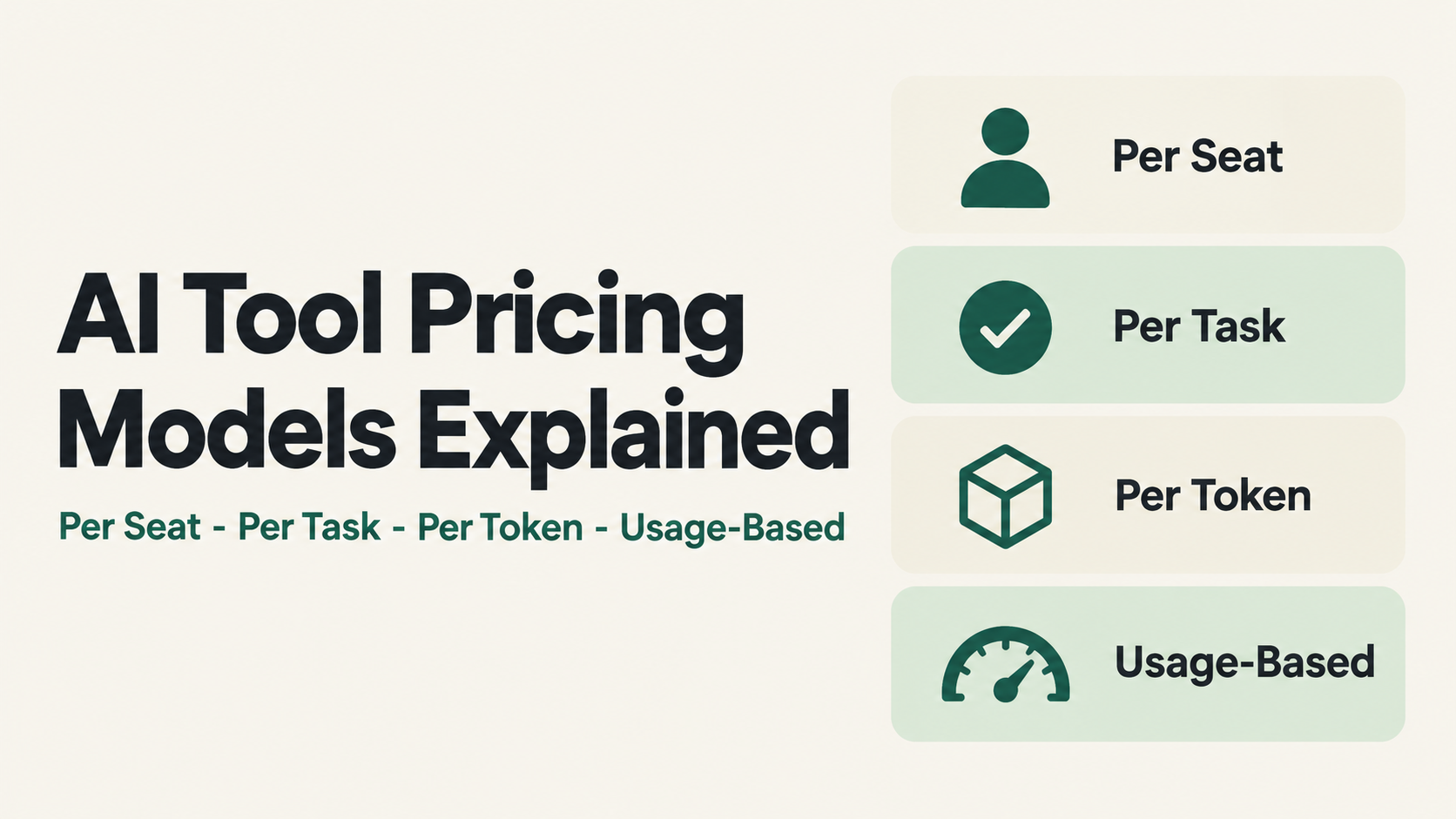
AI tool pricing models fall into four main types: per seat, per task or outcome, per token, and usage-based credits. This guide explains each of the four AI tool pricing models with real examples and current prices, so you can compare tools on what they will actually cost you.
You will learn what each billing unit means, when it fits, what to watch out for, and how to estimate your real monthly cost before you buy.
Prices checked 11 November 2026.
Table of Contents
Why AI tool pricing models feel confusing
Traditional software charged per person, per month. AI tool pricing models broke that habit. Some charge per person, some per completed task or outcome, some per million tokens of model usage, and some sell pools of credits that your usage draws down. Many now mix two or more of these in one plan.
The result: you cannot compare two tools by their plan prices alone. A $20 per-user subscription and a $0.99 per-resolution agent can be cheaper or more expensive than each other depending entirely on how your team works. The only reliable way to compare is to understand the billing unit each model uses.
One note on the taxonomy: these four are not mutually exclusive. Per-task and per-token are really forms of usage-based pricing, and credits are a billing unit vendors wrap around any model. We separate them here because each one changes your monthly bill in a different way.
1. Per-seat pricing
You pay a fixed amount for each person on the team, each month. Usage limits may apply, but the bill scales with headcount, not activity.
Real examples with current prices:
- GitHub Copilot Business costs $19 per user per month.
- ChatGPT Business Standard seats are priced per user per month: $25 on monthly billing, or $20 per user on annual billing.
- Intercom’s helpdesk plans start from $29 per seat per month on annual billing ($39 on monthly billing).
For a plan-by-plan look at one per-seat tool, see our ChatGPT review with pricing and alternatives.
Best for: teams with stable headcount where everyone uses the tool regularly. Budgeting is simple and predictable.
Watch out for: idle seats. If only 6 of your 10 licensed people actually use the tool, you are paying for 4 empty chairs. Per-seat also says nothing about heavy versus light users – a power user and a once-a-week user cost the same.
2. Per-task and per-outcome pricing
You pay for each unit of work the AI completes – a resolved support conversation, an automated action, a booked meeting. Your bill scales with how much work the tool actually does.
Real examples with current prices:
- Intercom’s Fin AI Agent costs $0.99 per outcome (a resolved customer conversation), charged once per conversation even if Fin answers multiple questions in it.
- Zapier bills per task, where each completed action inside a workflow counts as one task – a single workflow with four actions consumes four tasks every time it runs.
Fin also appears in our 10 Best AI Customer Support Platforms in 2026 roundup, and we broke Zapier’s task billing down plan by plan in our Zapier pricing guide.
Best for: teams that want cost tied to value delivered. If the AI resolves 500 support conversations, you pay for 500 resolutions. The usage component drops to zero when nothing happens, though base fees or monthly minimums can still apply on top.
Watch out for: definitions and volume. Vendors define a "task" or "outcome" differently, so read what counts before you sign. Costs also scale with success: a busy month is a bigger bill. Model your cost at 2x your expected volume before committing.
3. Per-token pricing
This is how AI model APIs bill. A token is a small chunk of text – roughly three quarters of a word in English. You pay per million tokens processed, and input (what you send) and output (what the model writes) are priced separately.
Real example with current prices: on OpenAI’s API, GPT-5 (an earlier model that OpenAI still lists) costs $1.25 per 1M input tokens and $10 per 1M output tokens, with cached input much cheaper at $0.125 per 1M tokens.
Two things follow from this structure. Output is usually several times more expensive than input, so tools that generate long answers cost more per request than tools that mostly read. And caching repeated context (like the same instructions sent every request) can cut input costs sharply.
Best for: developers building on model APIs, and usage that is spiky or experimental – you pay exactly for what you consume and nothing more.
Watch out for: unpredictability. Long documents, retries, agent loops and chatty prompts all multiply tokens. A prototype that costs $3 a day can become $300 a day in production if nobody watches usage. Set budget alerts from day one.
4. Usage-based pricing and credits
Many tools sell a pool of credits that your activity draws down. Different actions cost different numbers of credits, and when the pool runs out you buy more or stop.
Real examples with current prices:
- GitHub AI Credits are how usage inside Copilot is now metered: 1 credit equals $0.01, and each Copilot plan bundles a monthly credit allowance.
- ElevenLabs bundles monthly credits with its plans, which usage draws down, with additional credit packs on top.
- Zapier's task bundles work the same way in practice: your plan includes a task volume, and heavier automation consumes it faster.
Best for: mixed usage where some actions are cheap and some are expensive, and teams that want one balance to rule them all.
Watch out for: credit math is the least transparent of the four models. Check three things before buying: what each action costs in credits, whether unused credits roll over or expire, and what overage costs once the bundle runs out.
Many tools now mix pricing models
Many current plans combine several AI tool pricing models. GitHub Copilot is a per-seat subscription that now bundles AI credits for usage. Intercom charges per seat for the helpdesk and per outcome for its AI agent. OpenAI sells per-user ChatGPT plans and per-token API access side by side.
When you evaluate a tool, decompose its price into parts: what is the seat cost, what is the usage cost, and which one grows as you grow. The part that scales with usage is where surprise bills come from.
The four AI tool pricing models side by side
| Per seat | Per task / outcome | Per token | Usage / credits | |
| You pay for | Each person, monthly | Each unit of work done | Each million tokens | Actions drawing down a credit pool |
| Example | Copilot Business, $19/user/mo | Fin, $0.99 per resolution | GPT-5 API, $1.25 in / $10 out per 1M | GitHub AI Credits, $0.01 each |
| Predictability | High | Medium | Low | Medium |
| Scales with | Headcount | Work volume | Model usage | Activity mix |
| Main risk | Idle seats | Busy months cost more | Runaway usage | Opaque credit math |
How to estimate your real cost before buying
- Find the billing unit: seat, task, outcome, token, or credit. It is in the pricing page fine print, not the headline price.
- Estimate your monthly volume in that unit: active users, conversations, tasks, tokens, or actions.
- Do the multiplication at your real volume, then again at 2x. If the 2x number scares you, ask about caps and alerts before buying.
- Check the edge rules: rollovers, expiry, overage rates, and what exactly counts as one unit.
- Start on the smallest paid plan, measure one month of real usage, then upgrade with data.
Buyer's checklist
- Billing unit identified and understood
- Monthly volume estimated in that unit
- Cost modeled at 1x and 2x volume
- Rollover, expiry and overage rules checked
- Budget alerts or hard caps available
- One-month small-plan test planned
FAQ
Which AI tool pricing model is cheapest?
None is universally cheapest, and no model automatically wins for a given situation. The only fair comparison is the same workload priced end to end in each model: the billing-unit rate times your real volume, plus fixed fees, minimums and limits. Run that math on your own usage before assuming any model comes out ahead.
What is a token in AI pricing?
A token is a chunk of text, roughly three quarters of an English word. API providers bill per million tokens, with input and output priced differently.
Why do vendors mix AI tool pricing models?
Seats cover their predictable revenue while usage charges cover their real compute costs. For buyers, it means reading both halves of the pricing page.
How do I avoid surprise AI bills?
Set usage alerts, start on the smallest plan, and model your cost at double your expected volume before committing.
Do AI tool pricing models change often?
Yes. Vendors regularly change plans, credit allowances and limits, so check the official pricing page before you buy and again at renewal.
Final Verdict
AI tool pricing is not expensive or cheap in general – it is legible or illegible to you. Once you know the four AI tool pricing models, the sticker price stops mattering and the billing unit starts. Compare tools on your own monthly volume, in their billing unit, and the right choice usually becomes obvious.
When you are ready to compare specific tools, ToolJunction is a discovery platform for AI startups, tools and agents, with pricing breakdowns and comparisons across categories.
Sources
- GitHub Copilot plans and AI Credits
- ChatGPT pricing
- Intercom Fin and seat pricing
- OpenAI API pricing per 1M tokens
- Zapier pricing and task-based billing
- ElevenLabs pricing and credits
Prices checked 11 November 2026 on the official pages linked above. Prices change; verify before quoting.


